Bus Metropolis Driver
Instructions:
Keyboard ControlsDescription
Bus Metropolis Driver FAQ and Tips
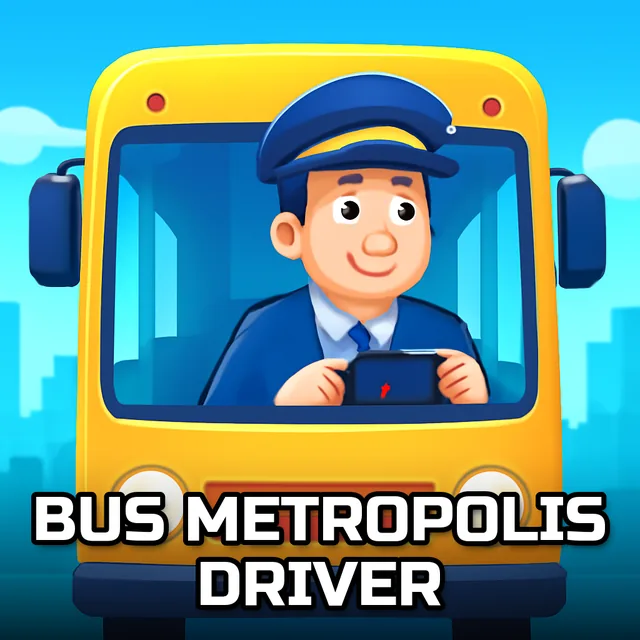
Big rig energy but with a passenger list instead of cargo boxes, that's basically the pitch here. You're behind the wheel of a coach bus, winding through hilly terrain and city streets, picking up riders and getting them where they need to go without turning the ride into a rollercoaster. The 3D environments swing between tight urban blocks and open mountain roads, and the bus itself handles nothing like a sports car. It leans, it drifts wide on turns, and if you forget that for even a second on a downhill stretch, you'll know it immediately. There's a real simulation streak running through the whole thing, so patience matters more than speed.
Score-Boosting Tactics
- Ease off the throttle way before curves start, since the bus needs more room to slow down than you'd expect.
- Keep an eye on passengers waiting at stops rather than blowing past them chasing a faster route.
- Use mirrors or the camera angle to line up parking at terminals instead of guessing and clipping the curb.
- Take mountain roads slower than flat city stretches, the drop-offs are unforgiving if you overcorrect.
- Smooth acceleration keeps the bus stable, jerky throttle inputs make the whole chassis sway.
Key Combinations
- Arrow keys or WASD handle steering, acceleration, and braking, the standard setup you'd expect from a keyboard driving sim.
- Braking gently rather than slamming down avoids skidding on the hillier sections.
- A dedicated handbrake or lower gear key, where available, helps on steep downhill runs.
- Camera toggle keys let you switch views for tighter parking maneuvers near terminals.
- Horn controls come in handy around crowded city intersections, mostly just to feel like an actual bus driver, honestly.